EMERGENCY CONTACT PLAN

Keep one page current.
That is the whole plan.

Who do you call when something goes wrong? Fire, medical, utility, evacuation — fill in the names and numbers. Print the page. Put it on the wall. Done.

Start your plan
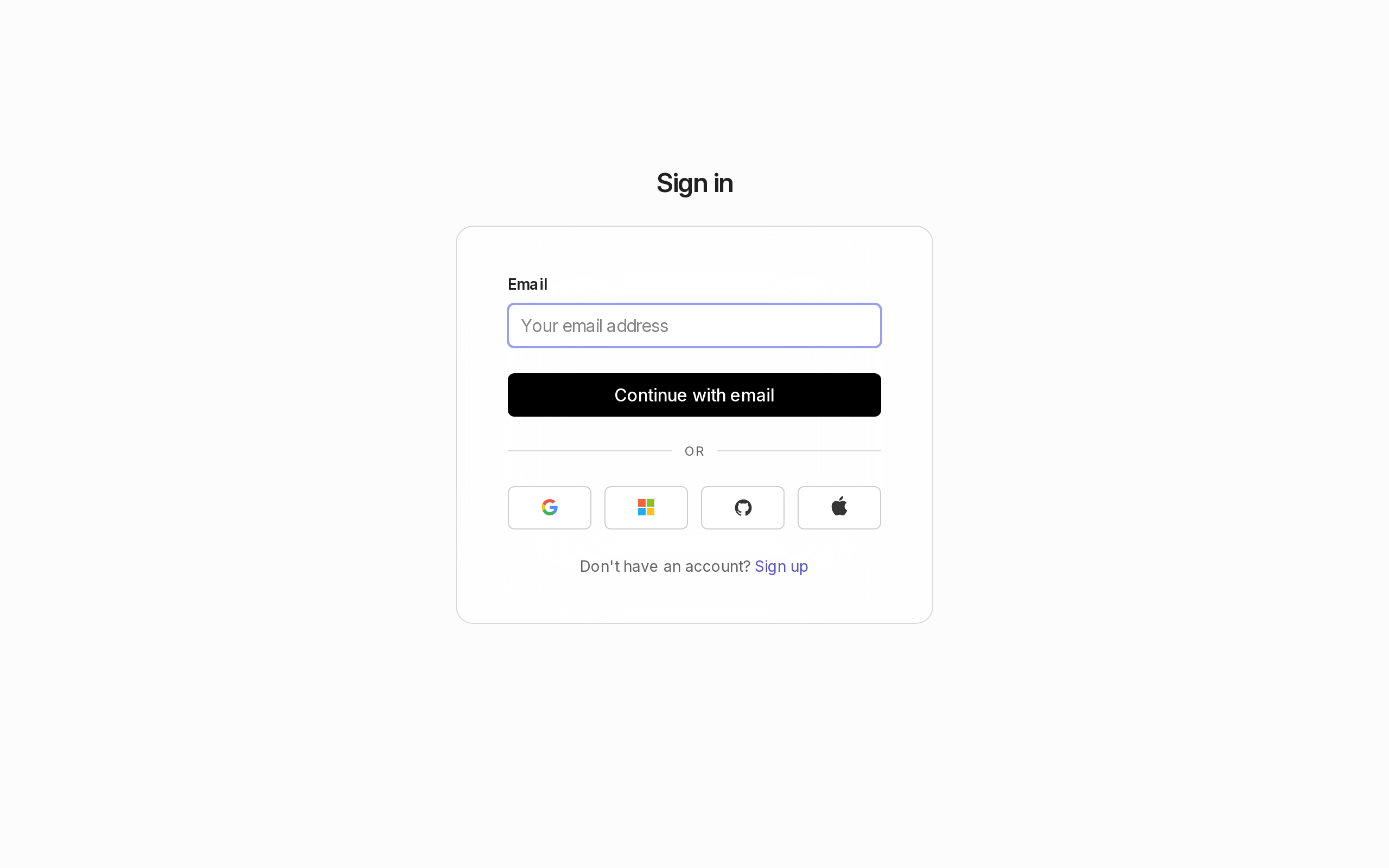
The AutoECP sign-in screen. A white card on a warm grey background with a bold “Sign in” heading, an email address field, a black “Continue with email” button, then social login options for Google, Microsoft, GitHub, and Apple, and a “Sign up” link below.

01 / WHAT IT DOES

A contact plan for one person.
No teams. No clutter. No excuses.

AutoECP is the emergency contact plan you will actually finish. You type who to call for what — fire department, medical, utility company, the person who knows where the gas shutoff is — and get back one page you can print and pin up. That is the whole thing.

It exists because the spreadsheet you started last year is still half-empty. Because the compliance template from your insurer is fourteen pages and nobody on site has read it. Because when something actually goes wrong you need one piece of paper, not a folder.

This is for the person who owns the plan — a site manager, a facilities lead, a safety coordinator — and wants the answer on one sheet.

02 / HOW IT WORKS

Three steps to a plan on your wall.

01

Sign in once

Use your email and password via the shared sign-in. Your plan lives attached to your account — no lost files, no USB stick.

02

Add your contacts

Create sections for the situations that matter — Fire, Medical, Utility, Evacuation. Add names, roles, phone numbers, notes. Add as many as you need.

03

Print or download

One click prints the plan cleanly. One more saves a standalone HTML file you can keep anywhere. The editing chrome disappears — just the plan.

03 / WHAT IT COSTS

Free. No payment, no plan, no trial.

AutoECP is free to use. There are no paid tiers, no subscriptions, no upgrade prompts. The product is free because the fleet that runs it already covers the infrastructure. The only cost is the ten minutes it takes to fill in your contacts.

If that changes in the future, it will be stated plainly here. Until then: enter your contacts, print, done.

04 / WHAT IT DOES NOT DO

Honest about the edges.

NO TEAMS OR SHARING

This is a single-person tool. There is no way to share a plan with others, assign permissions, or collaborate. If you need a team plan, this is not that product.

NO EMAIL

The fleet that runs AutoECP has no email sender. There is no way to email the plan to someone, schedule a reminder, or receive notifications. Print it or download the HTML file — that is how the plan travels.

NO AUTO-GENERATION

AutoECP does not generate contacts for you. No AI suggestions, no database lookups, no imported templates. You type the names and numbers yourself — the product is a structured form, not a compliance engine.

NO COMPLIANCE / AUDIT

The plan you produce is a personal document. It is not OSHA-approved, not reviewed, not certified. It is what you typed. If your site has regulatory requirements, verify against them yourself.

NO INTEGRATIONS

AutoECP connects to nothing. No Slack, no email, no calendar, no API. The data you enter stays in the plan. There is no import, no export except the HTML download and the browser print.

05 / WHAT YOU GET

A single clean page, ready to pin up.

The output is one page. Printed or downloaded as HTML, it shows each section with its contacts in a table. No headers, no footers, no editor chrome — just the plan.

What the printed page shows

  • The plan title at the top
  • Sections ordered as you arranged them (Fire, Medical, Utility, Evacuation…)
  • Each contact: name, role, phone number, notes — in a clean table
  • Small footer: “Generated by AutoECP”

06 / OBJECTIONS

Questions you might have.

“I already have this in a spreadsheet.”

A spreadsheet is what most people start with. AutoECP gives you a structured form (so you do not forget a field), a clean print layout (so it looks like a plan, not a grid), and persistence across devices (so it is not on one laptop). Same data, less friction.

“My insurer/compliance provider already gives me one.”

The template your compliance vendor bundled is fourteen pages long and nobody on your site has read it. AutoECP produces one page you will actually print. Fill in the real names and real numbers once, and keep them current because a ten-minute update is easier than a forty-page re-documentation cycle.

“What happens if I lose my session?”

Sign back in. Your plan is stored against your account, not your browser. Any device, any browser — sign in, and your plan is exactly where you left it.

START NOW

Fill in who to call for what. Print one page. Done.

No signup cost, no data shared, no clutter.

Start your plan